Average reading time: 10 minutes, 24 seconds
Please Rate

10. Step 8: Menu modules and the Language Switcher

In Content → Site Modules:

  1. Unpublish the old menu module that shows the menu with the All Home item.
  2. Create a Menu module per language: Select Menu = that language's menu, Language = that language, same template position for both. The Language Filter shows only the one that matches the page.
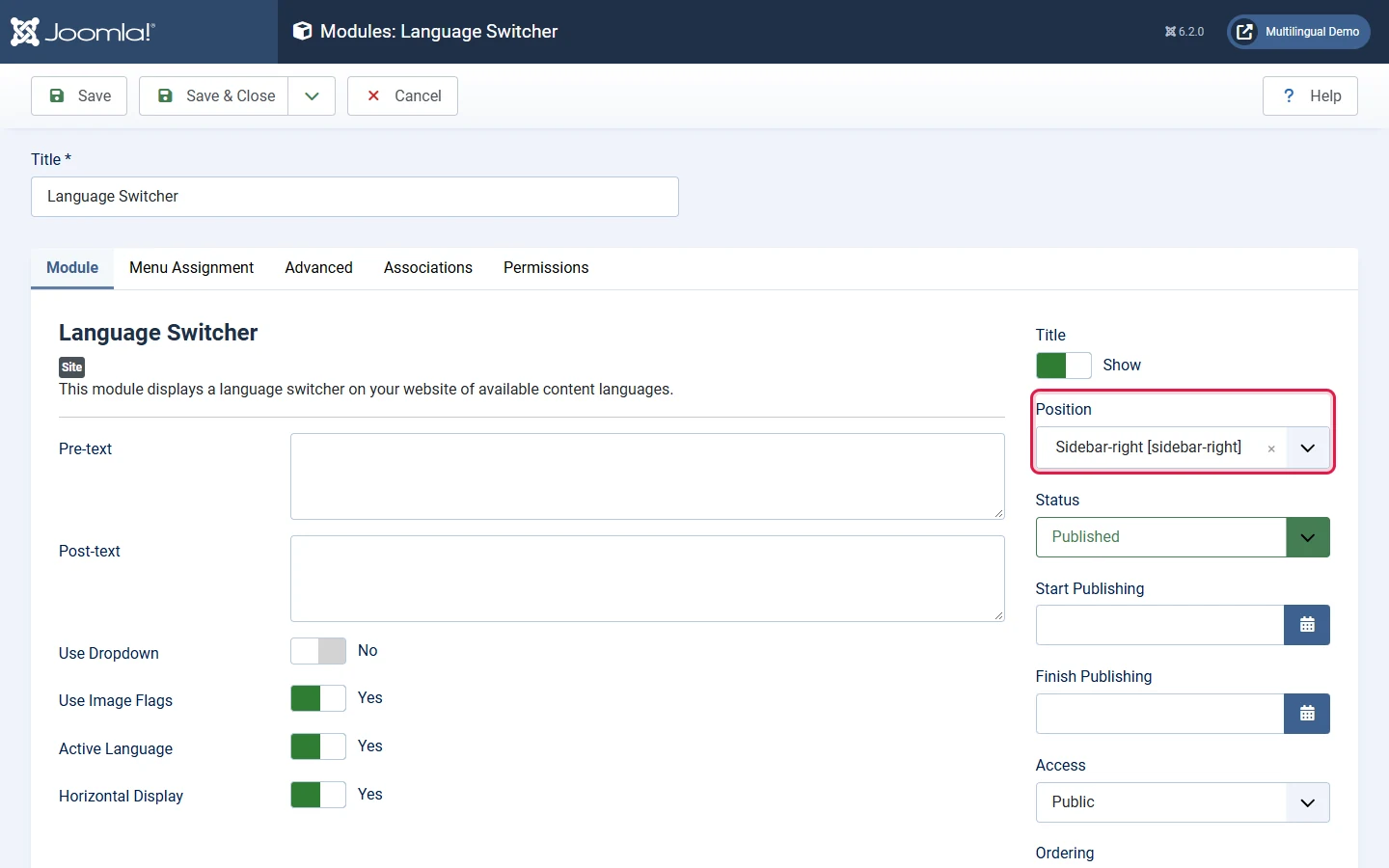
  3. Create a Language Switcher module with Language = All, and choose flags, names or a dropdown.
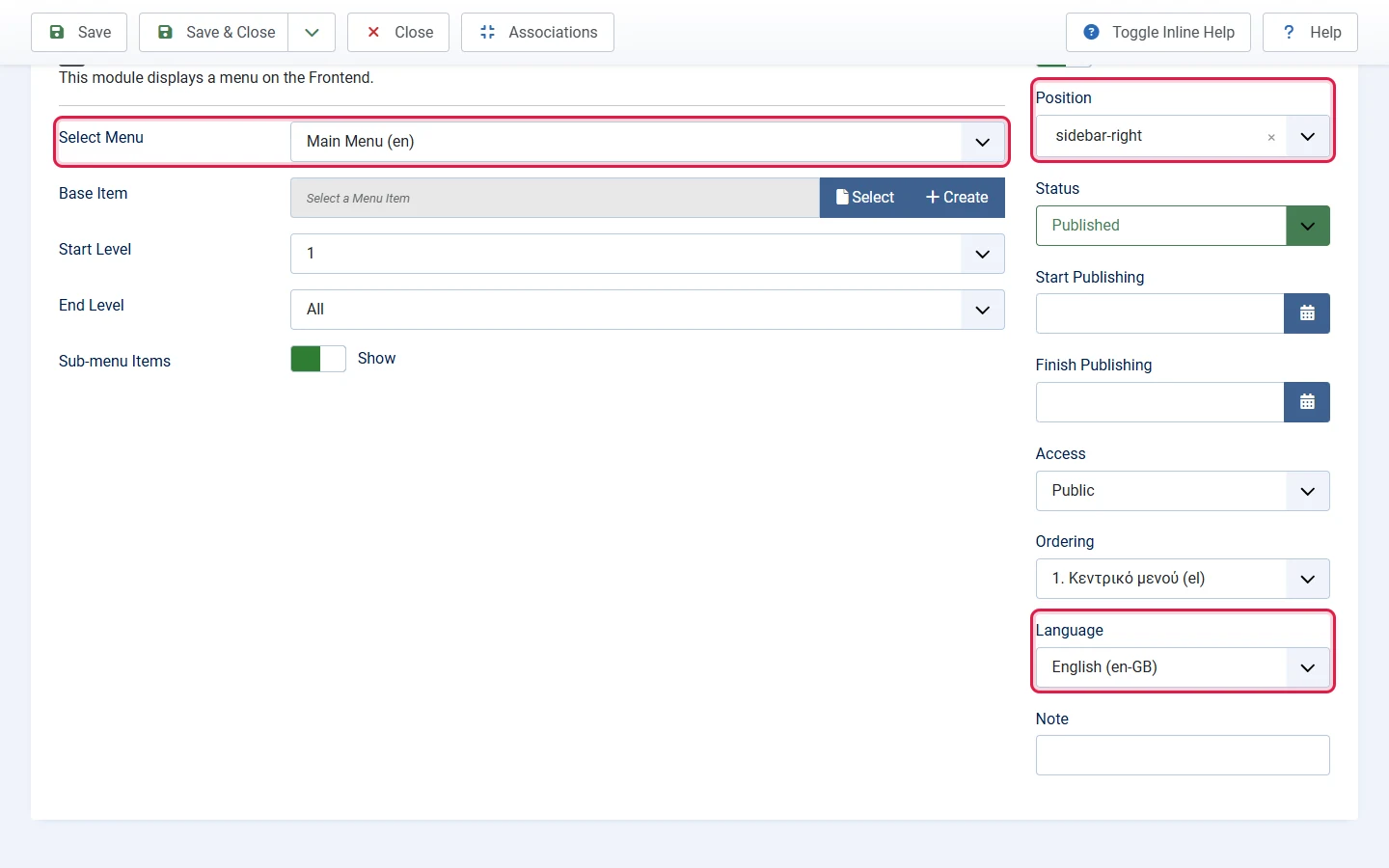
Menu module Main Menu (en) with Select Menu Main Menu (en), position sidebar-right and Language English highlighted
One menu module per language, each set to its language.
Language Switcher module settings: Use Dropdown, Use Image Flags, Active Language and Horizontal Display
The Language Switcher module and its display options.

Share this article

Panagiotis Kiriakopoulos

UI/UX Designer | Joomla & Wordpress Expert | Graphic Designer | Branding Specialist