
Page 3 of 15
3. Step 1: Install the language packs
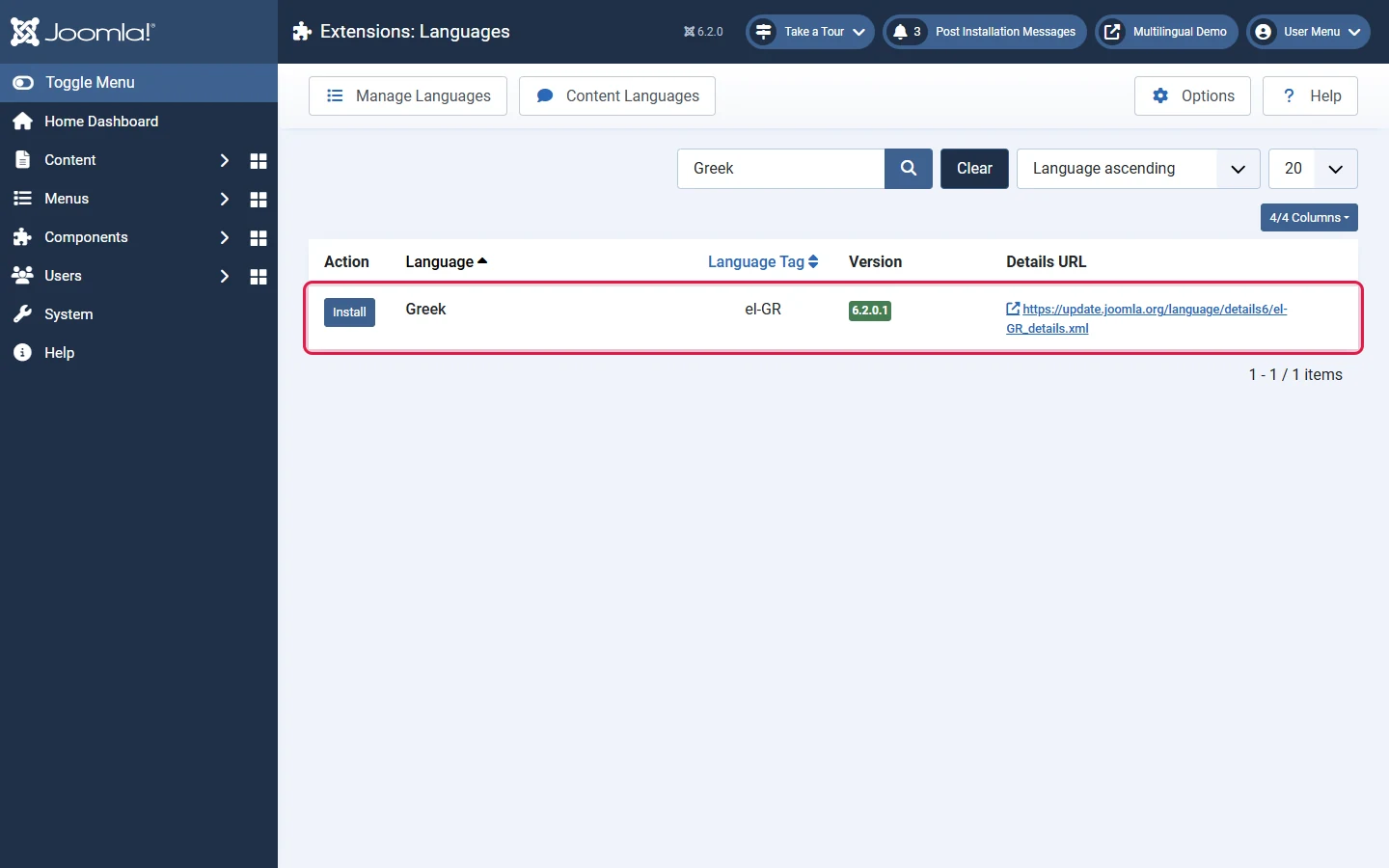
- Go to System → Install → Languages. Joomla loads the list of official translations from the Joomla update server.
- Search for your language, for example Greek, and click Install.
- Repeat for every language your site needs.
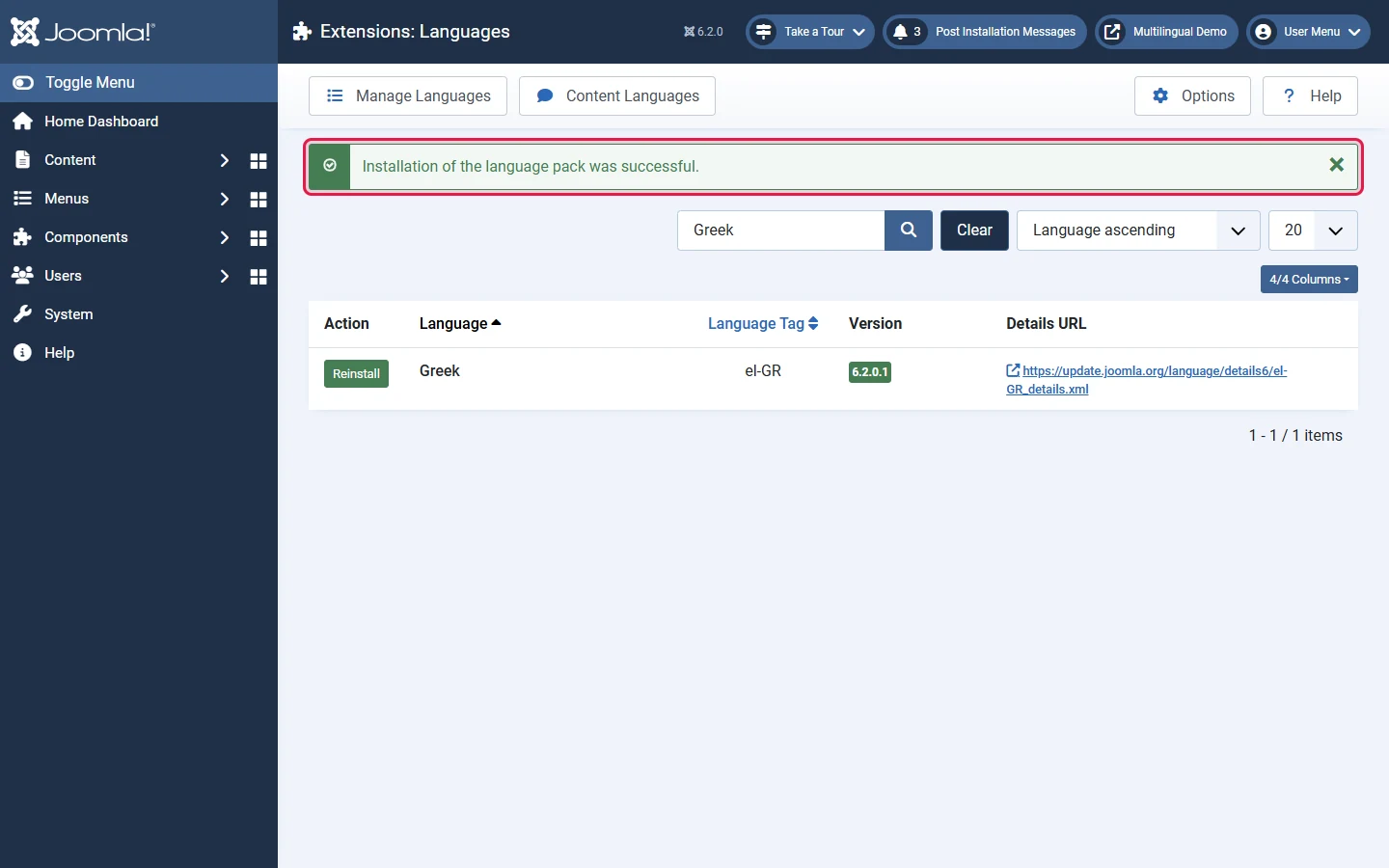
A language pack installs both the site and the administrator translation. Editors can then pick their own admin language in their user profile, which is handy for international teams.