
Page 11 of 15
11. Step 9: Check everything with Multilingual Status
Once the Language Filter is enabled, the administrator header shows a Multilingual Status button. Click it. It checks the plugin, the switcher, and, for every language, the site language, the content language and the Home page.
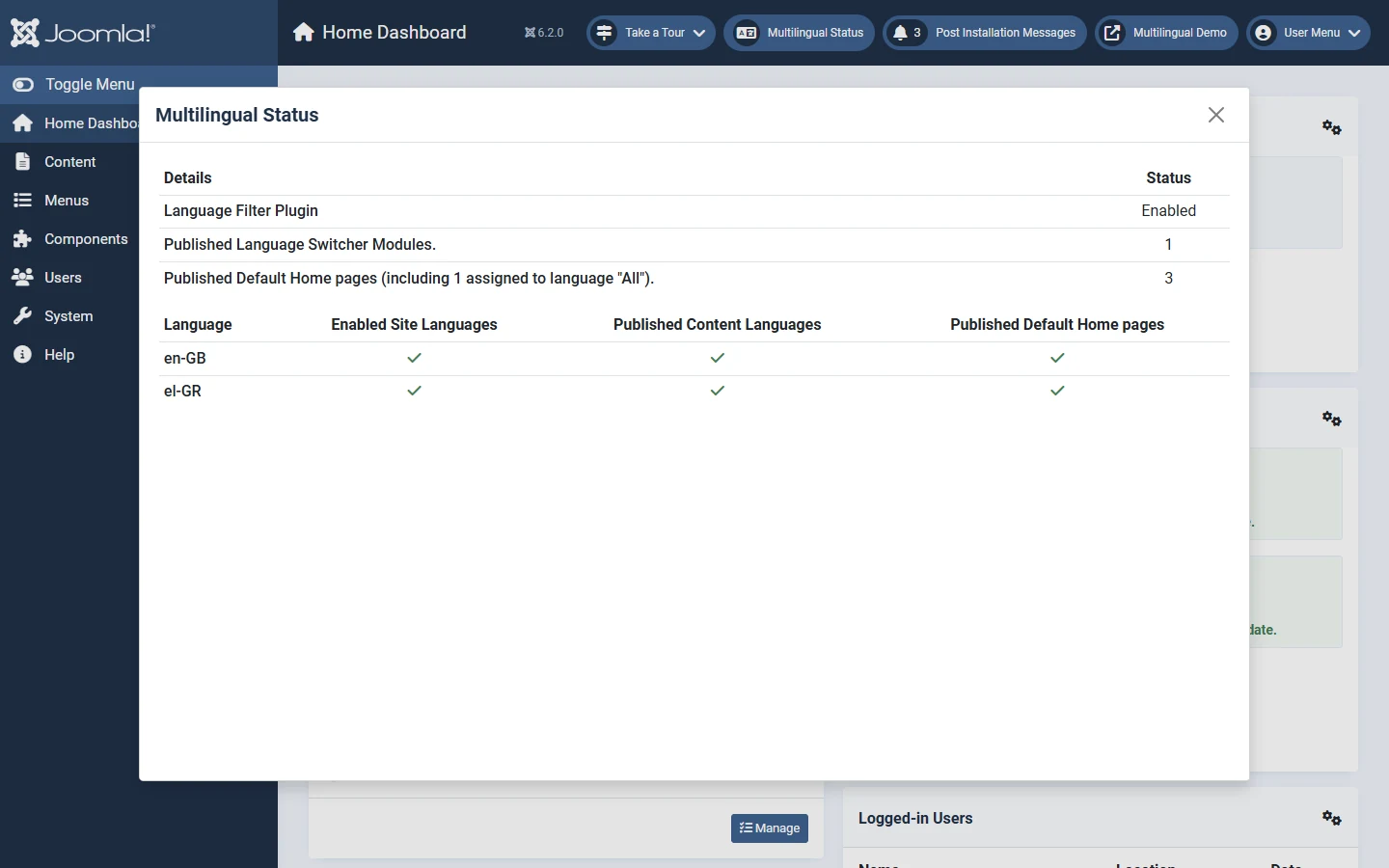
If any check is missing, this dialog tells you which language lacks what. It is the fastest way to debug a multilingual site.